
Advertisement
Click to download now, finish the installation quickly, and directly unlock the all-round experience
Advertisement
Screenshots
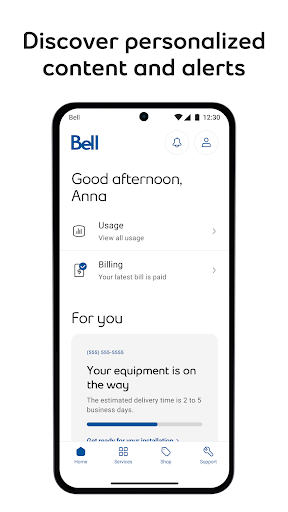
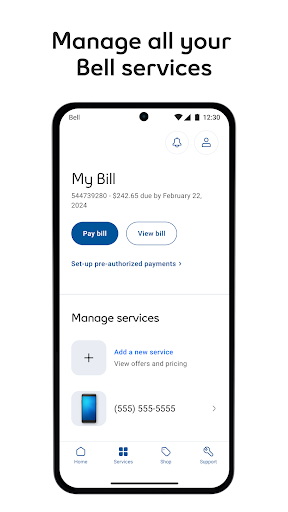
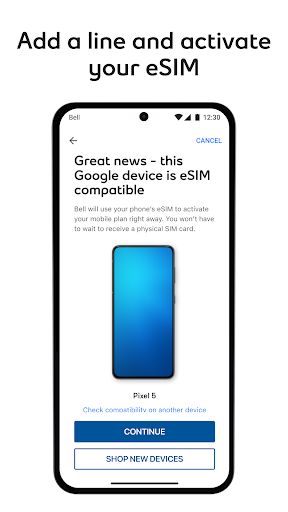
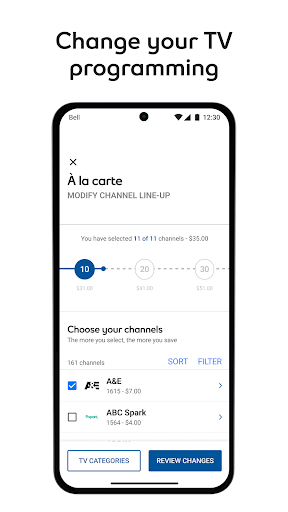
Click to download now, finish the installation quickly, and directly unlock the all-round experience
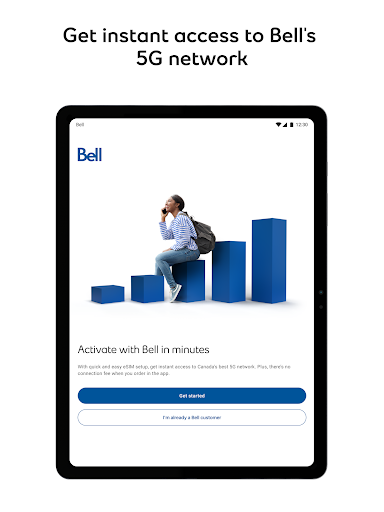
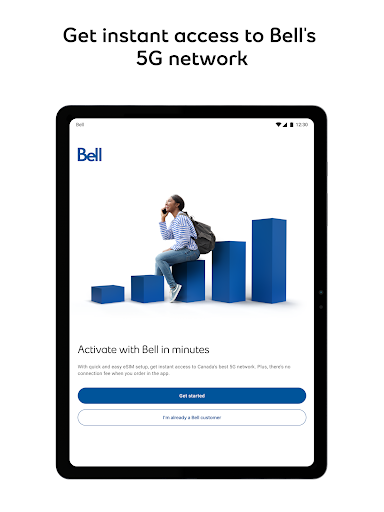
MyBell is Bell Canada’s account-management app for people with Bell services. It brings together tasks for mobile, TV, internet and home phone accounts, so it is most useful if you want to check or change services without going through each one separately. It is not a general messaging or calling app, despite its Communication category.
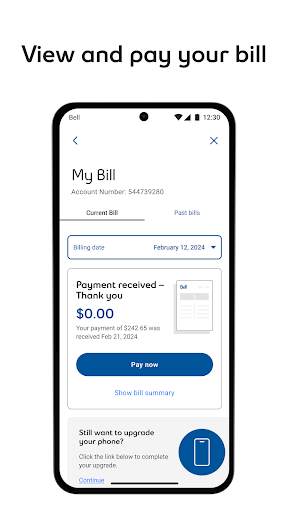
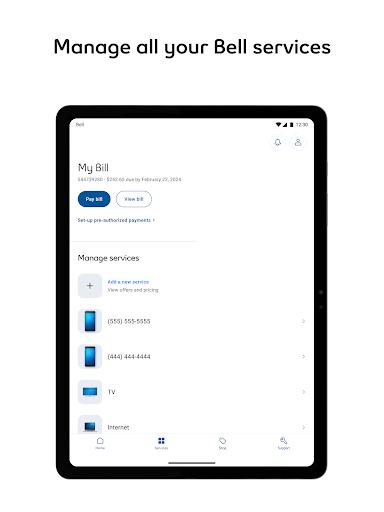
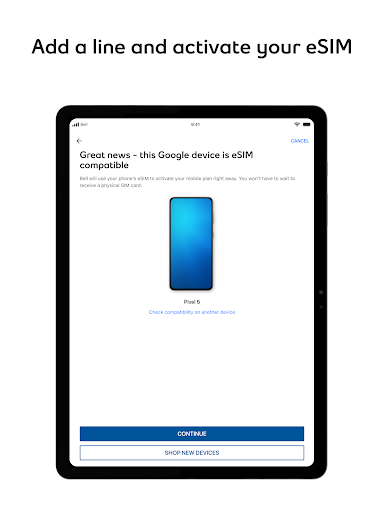
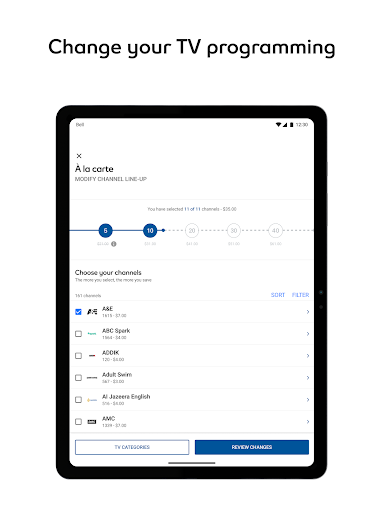
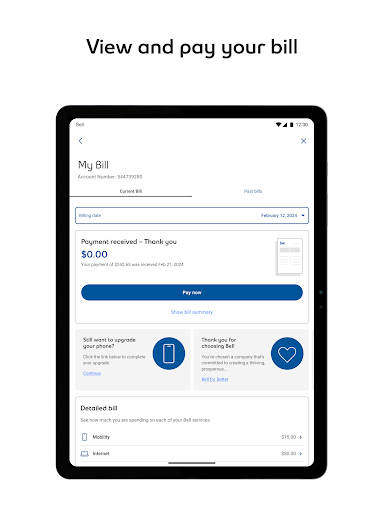
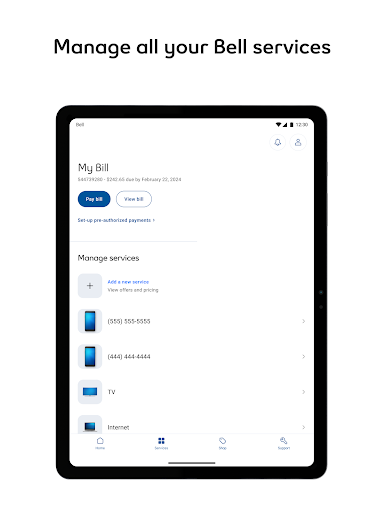
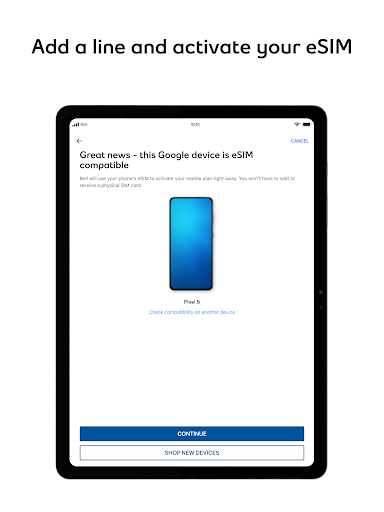
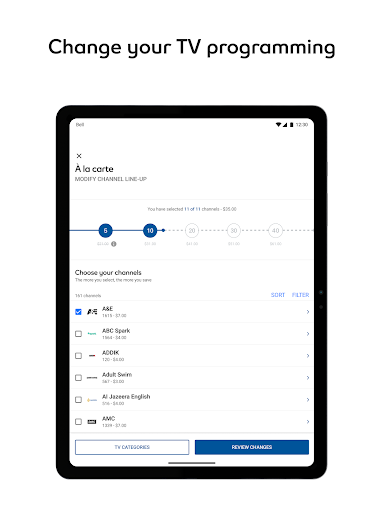
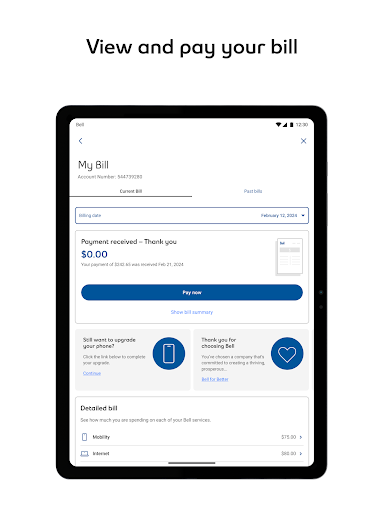
For Mobility, you can review usage, manage a rate plan, data and add-ons, add a travel option, or look into a device upgrade. The app also handles bills and payments, including setting up pre-authorized payments. For TV, you can change programming; for internet, you can change your package and run a speed test.
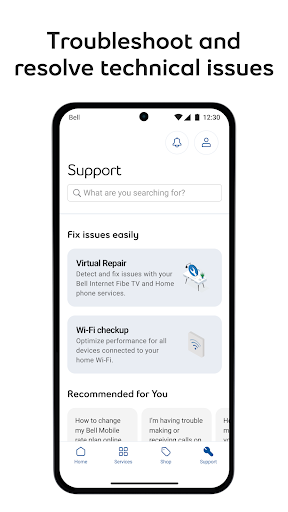
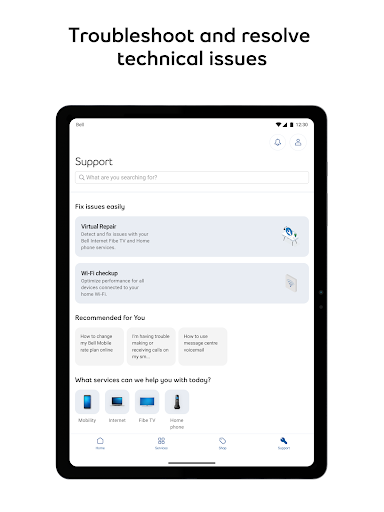
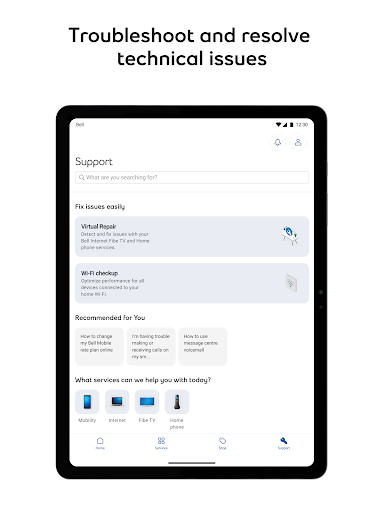
Home-service tools include appointment management for a Bell technician and a virtual repair feature for internet, TV or home phone issues. There are also guided self-install instructions for new internet, TV or home phone services, plus in-app support. These tools are tied to Bell services, rather than being useful on their own.
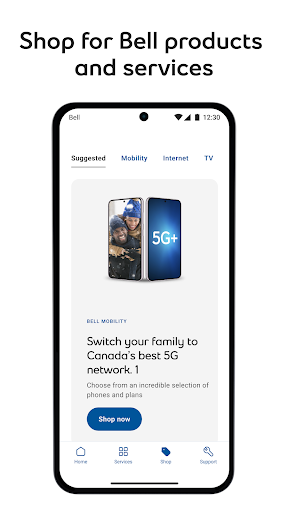
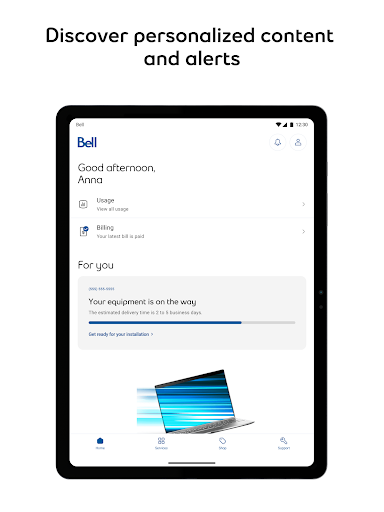
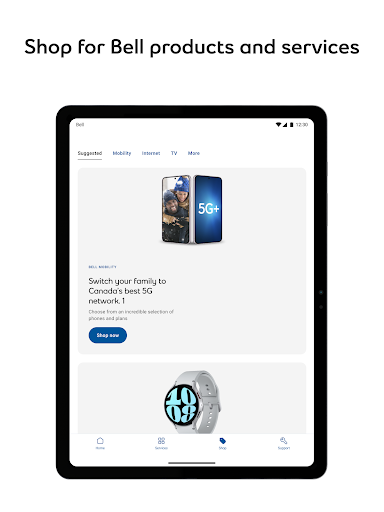
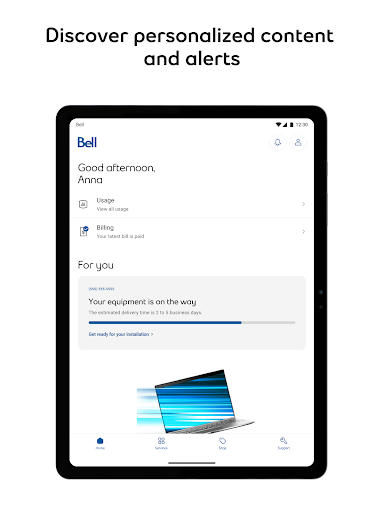
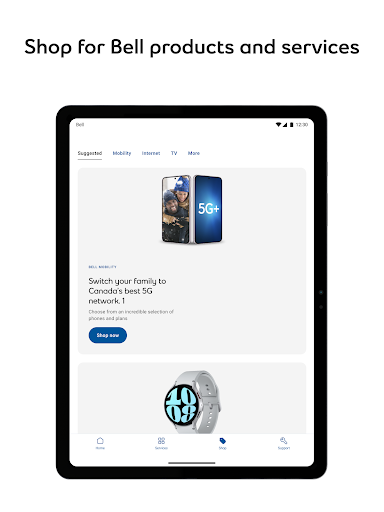
MyBell is built around account details: using it means opening your Bell service information to check usage, bills, appointments and plan options. It makes sense if you handle several Bell tasks yourself; if you rarely need to manage your account, many of its features may go unused. Bell also presents personalized offers and contests in the app, alongside the practical account tools.
The app is published by Bell Canada and has more than 10 million installs. Its average rating is about 4.46 from roughly 257,000 ratings. Those figures suggest a widely used service companion, but they do not tell you whether its account tools match your particular Bell services. Check that fit against what you subscribe to before treating it as a one-stop place for every task.