
Storytime AI: Story Generator
Storytime AI LLC
Downloads
50,000+
Source
Google Play
Advertisement
Click to download now, finish the installation quickly, and directly unlock the all-round experience
Advertisement
Screenshots



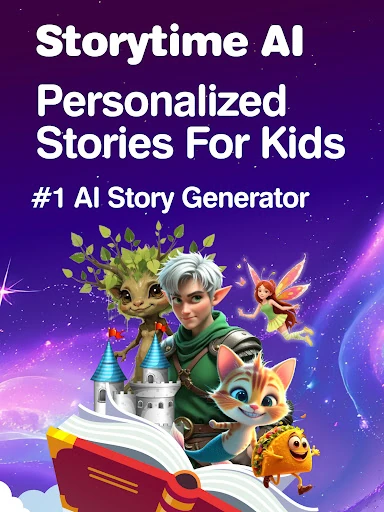
Click to download now, finish the installation quickly, and directly unlock the all-round experience
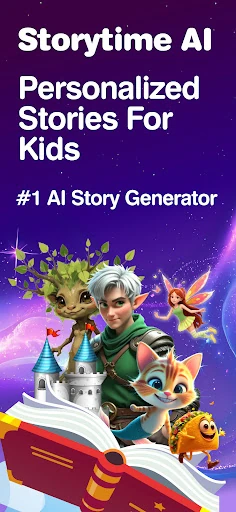
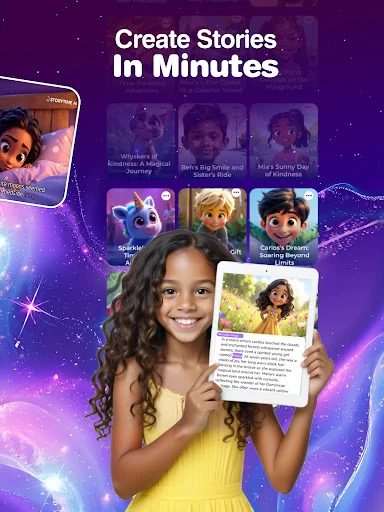
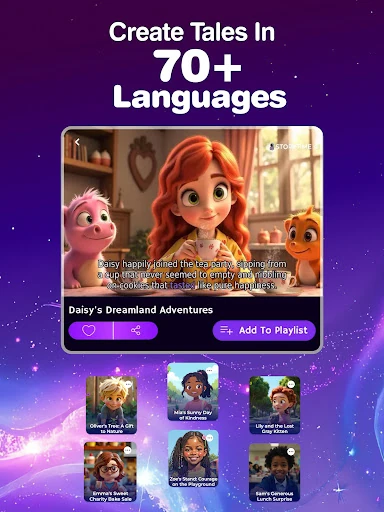
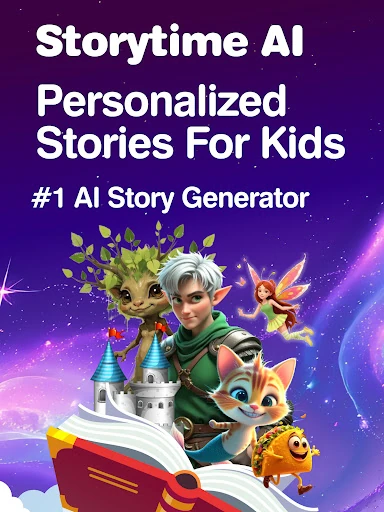
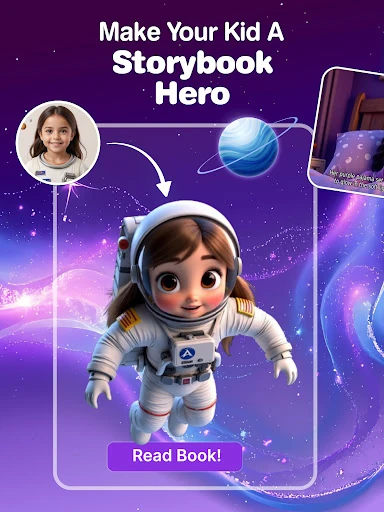
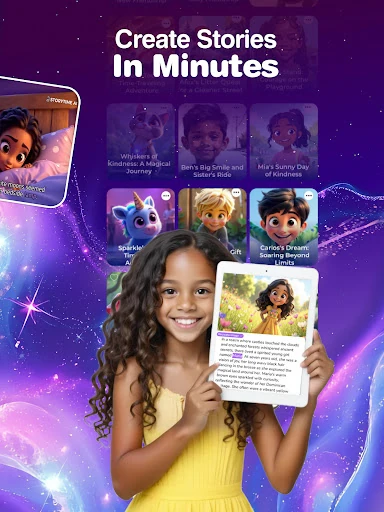
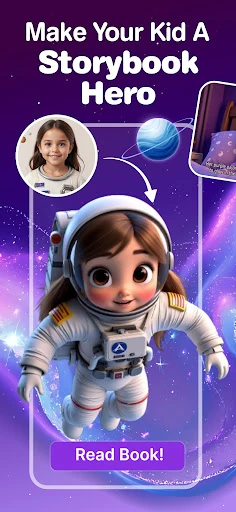
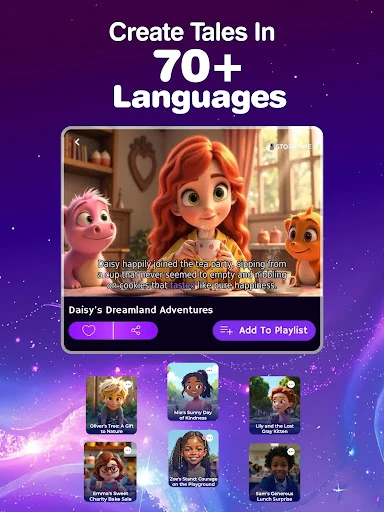
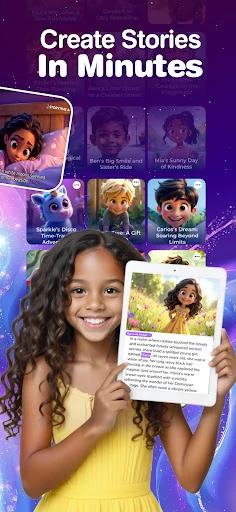
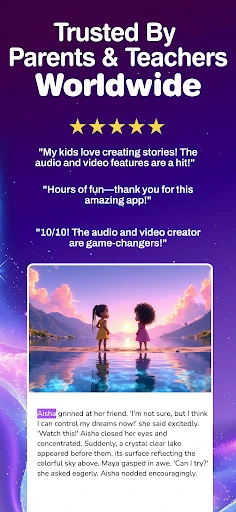
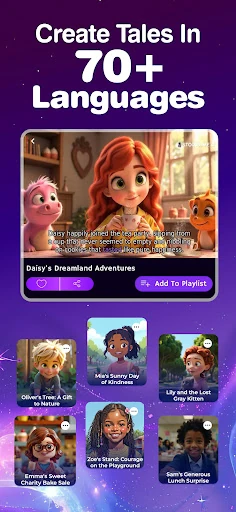
Storytime AI: Story Generator turns prompts into children’s stories. You can choose characters, themes or plot details, and include words you want the story to use. It suits parents and caregivers looking for a way to make read-aloud material feel more personal, as well as families exploring stories in different languages.
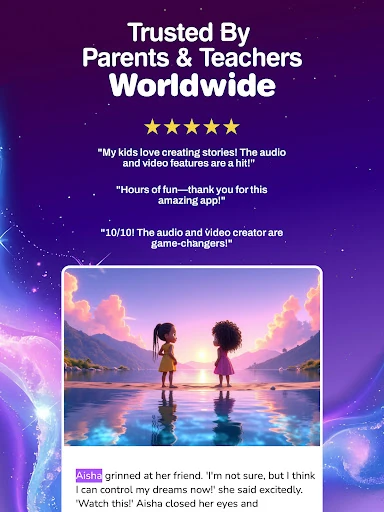
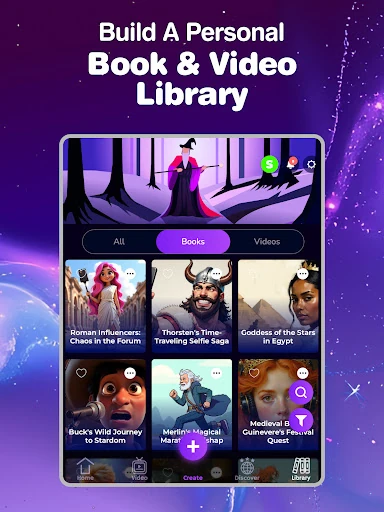
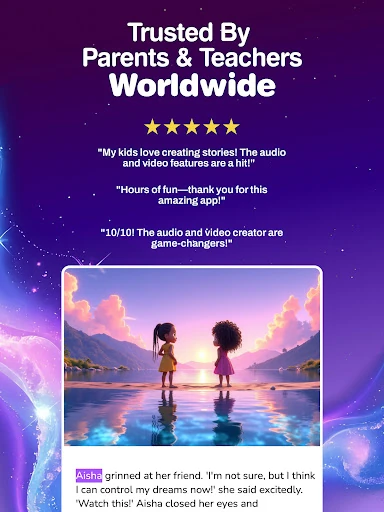
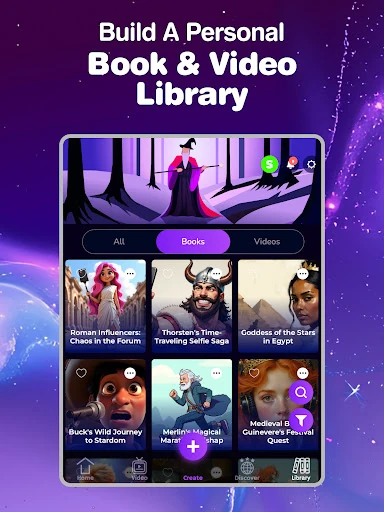
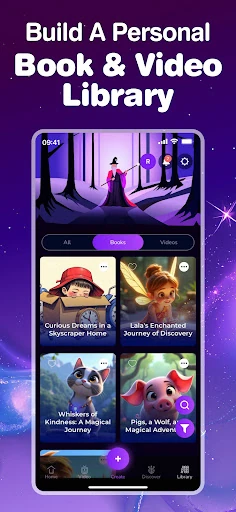
The main activity is shaping a prompt and then reading the result. You can also turn stories into read-along videos with narration and music, giving children another way to follow along. The app lists support for 194 languages, which may be useful for multilingual households or language practice. Video generation is the more involved part: higher-quality videos use credits, so making them regularly may mean keeping an eye on your balance.
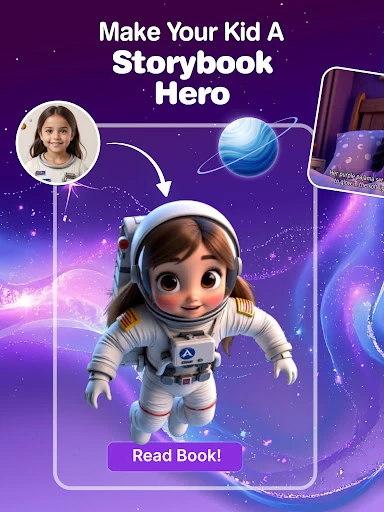
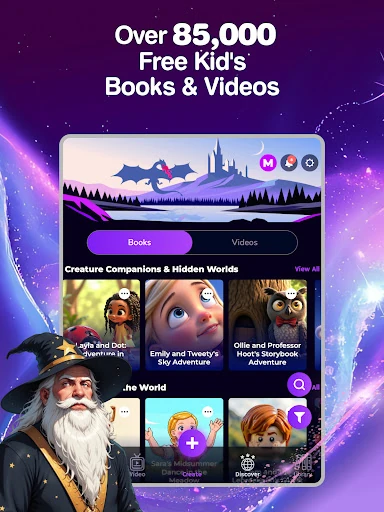
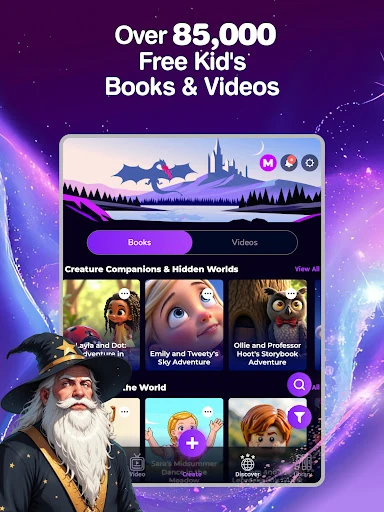
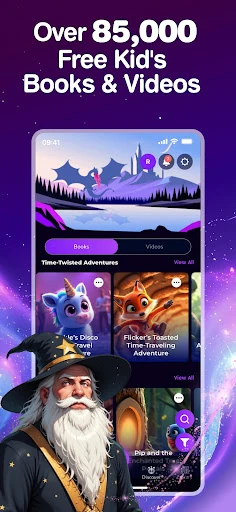
This is aimed at families who want to create stories together, rather than browse a fixed collection of books. Adding a child’s chosen character or a specific vocabulary word can give the reading session a clear starting point. The number of choices may take some experimenting; if you just want a ready-made story with no setup, a conventional book app may be simpler. The video option also makes this more screen-based than reading text alone.
Storytime AI: Story Generator is published by Storytime AI LLC in Books & Reference. It has a 4.3-star rating from 3,210 reviews and 50,000+ installs. Those figures offer some context for its uptake, but the fit depends on whether you want to create personalized stories and use the accompanying video features.