Work access, managed by your employer
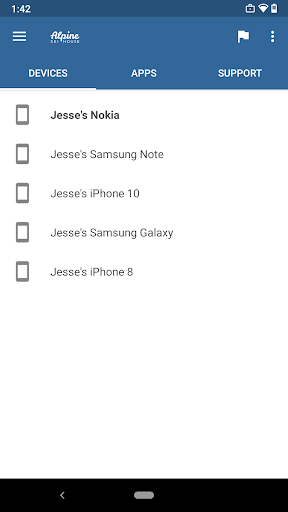
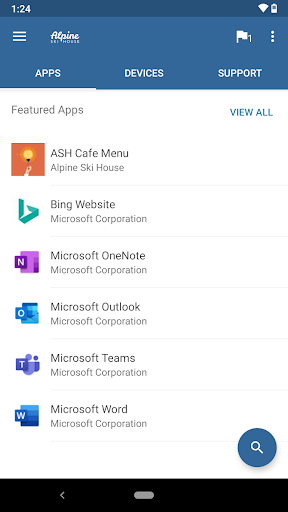
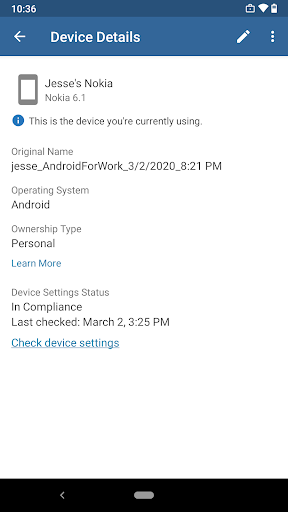
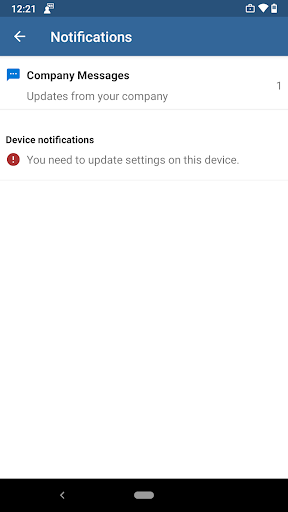
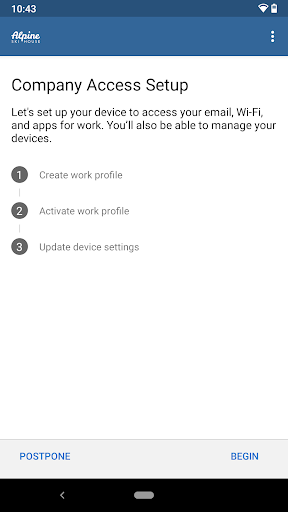
Intune Company Portal is a work-account app for people whose organization uses Microsoft Intune to provide access to company apps and resources. It can help you enroll an Android device, browse and install apps made available by your workplace, and see the devices you have enrolled.
It is not a general business app you can set up on your own. Your organization needs an Intune subscription, and an IT administrator must configure your account. Without those pieces, there may be little you can do in the app.
What you can manage
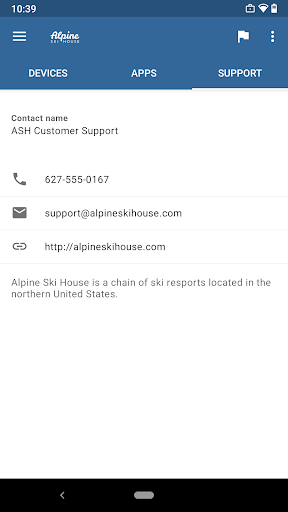
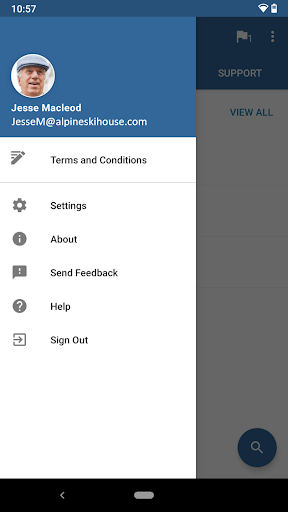
Alongside company app access, the portal can show your organization’s IT contact details and let you change your work-account password. It also provides controls to unenroll a device or remotely wipe it. Those are consequential actions: check with your IT team before using them, especially if you are unsure what access or data may be affected.
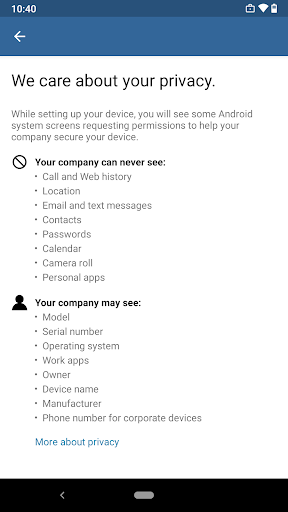
Enrollment means using a work account and bringing the device under your organization’s Intune setup. What that means for your device and information depends on your employer’s policies. The app itself is not a substitute for those policies; ask your IT administrator about privacy or device-management questions.
Who it suits—and who it doesn’t
This is useful when your workplace specifically directs you to enroll an Android device or install company-provided apps. It is unlikely to help if you are looking for personal app recommendations, or if your employer does not use Intune. Some functions may also be unavailable in certain countries.
Unenrollment may be required before you can remove the app, so leaving a workplace setup can involve an extra step through your organization’s process. The listing shows 50,000,000+ installs, but its 2.56 rating across 188,904 reviews suggests many users have had a rough experience. For account, enrollment, or privacy issues, the right first contact is your IT department.