Advertisement
Click to download now, finish the installation quickly, and directly unlock the all-round experience
Advertisement
Screenshots
Click to download now, finish the installation quickly, and directly unlock the all-round experience
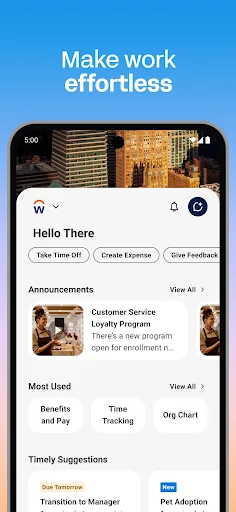
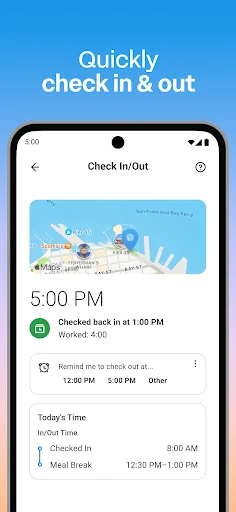
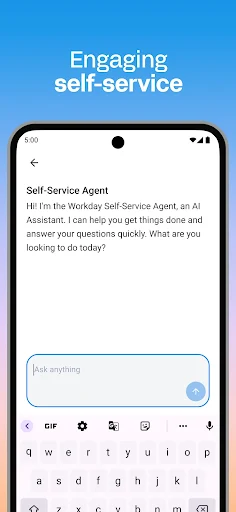
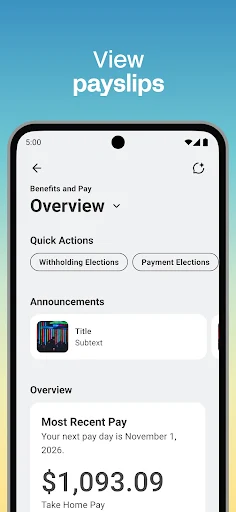
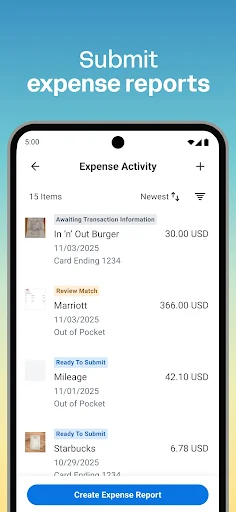
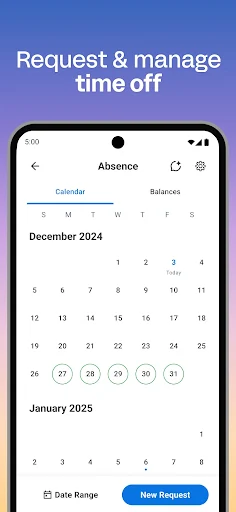
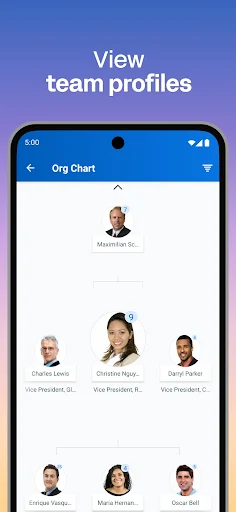
Workday is a business app for employees and managers whose organization uses Workday. It brings common workplace tasks onto an Android phone: employees may be able to view payslips, submit timesheets or expenses, request time off, and check in or out. It also provides access to colleague profiles, training and internal job or gig listings where an employer has made those available.
The app is most useful when you already have a Workday account through your workplace. What appears after sign-in depends on the organization’s setup and your role, so not every employee will see every tool. It is not a general job-search or payroll app: your employer’s Workday system is the source of the records and actions you can access.
Managers may also have options for reviewing employee requests, viewing team information, handling timesheets, and managing aspects of performance or compensation. Those controls are role-dependent, and the mobile app is primarily a way to carry out workplace processes rather than a standalone people-management system.
Workday makes sense if your employer uses the platform and you want to handle routine HR or team tasks away from a computer. It may be less useful if your workplace does not provide access, or if the feature you need is not enabled for your account. The app’s breadth therefore depends as much on your organization as on the app itself.
Workday, Inc. is the developer. The app has more than 10 million installs and a 4.18 rating from about 268,000 ratings. Those figures show wide use, but they do not tell you which functions your employer has turned on. Expect a work account and organization-specific access to shape what the app can do for you.